Resource Switchers
The Resource Switchers give you a lightning-fast way to jump between any Organisation, Application, or Authorisation Server you have access to - no full-page navigation required. The Organisation switcher lives in the left sidebar, while the Application and Authorisation Server switchers appear in the title area of their respective resource pages.
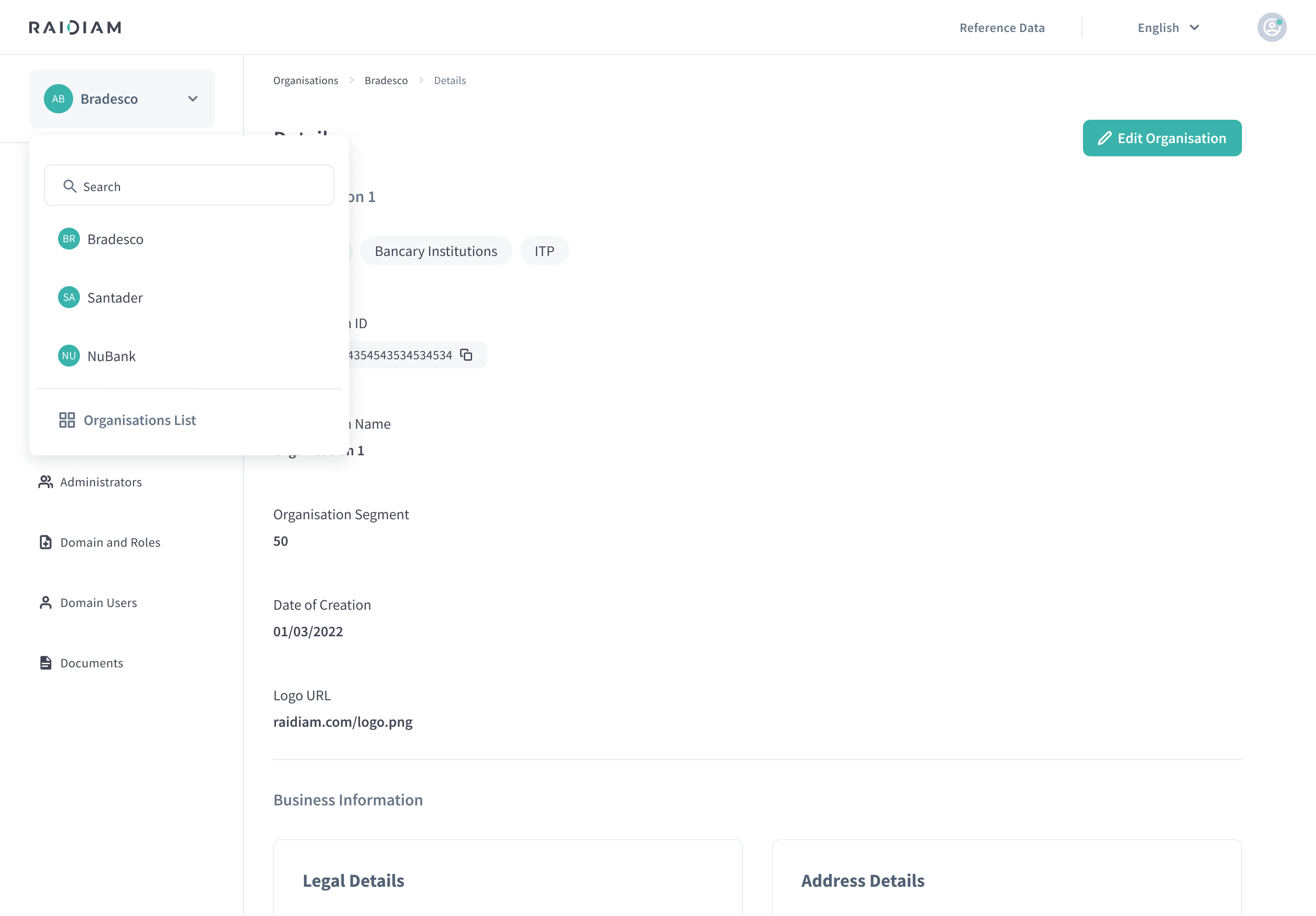
The example above shows an Organisation switcher filtered down to a single match.
Locate Resource Switchers
Three independent switchers are available (if you have permission to those resources):
| Switcher | Where It Appears |
|---|---|
| Organisation Switcher | Always visible once you are inside any Organisation route. |
| Application Switcher | Visible in /applications/** routes. |
| Authorisation Server Switcher | Visible in /authorisation-servers/** routes. |
Selecting the current resource name (or the chevron ▼) opens the corresponding dropdown.
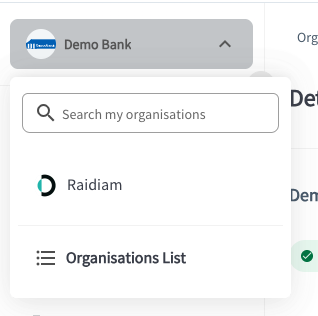
Search & Select in Resource Switchers
-
Open the dropdown by selecting the switcher.
-
Start typing in the Search box at the top of the panel to begin filtering.
Matching items appear immediately.
-
Scroll – if you have > 5 resources, a slim scrollbar appears.
-
Select a resource – select the row (or navigate with ↓ / ↑ + Enter) to switch context instantly.
Per-row Details in Resource Switchers
| Element | Description |
|---|---|
| Logo | Resource logo. |
| Name | Resource name (e.g., “Raidiam”). |
